Making Financial Training Accessible and Usable
Leading the accessibility and UX refinement of an existing training course, delivered in two versions for different audiences.
- Accessibility
- Product Ownership
- E-learning
The Challenge: A Critical Training Course That Was Not Accessible Enough
An existing training course combined theory and practical activities to help learners recognise counterfeit banknotes. Before a learner could confirm completion of a module, they had to study its theoretical content and complete a practical test.
The course already existed, but it needed to be transformed into an accessible experience for people who rely on assistive technologies. It also needed to retain its educational logic while improving the usability and interactivity of the existing activities.
The project included two versions:
- A full version made up of four modules, including both theory and practical tests.
- A reduced version based on the full course, with selected pages removed and no tests, designed for a different audience.
The challenge was to make an existing learning experience accessible without losing its instructional structure.
My Role: Turning Accessibility Requirements into a Working Product
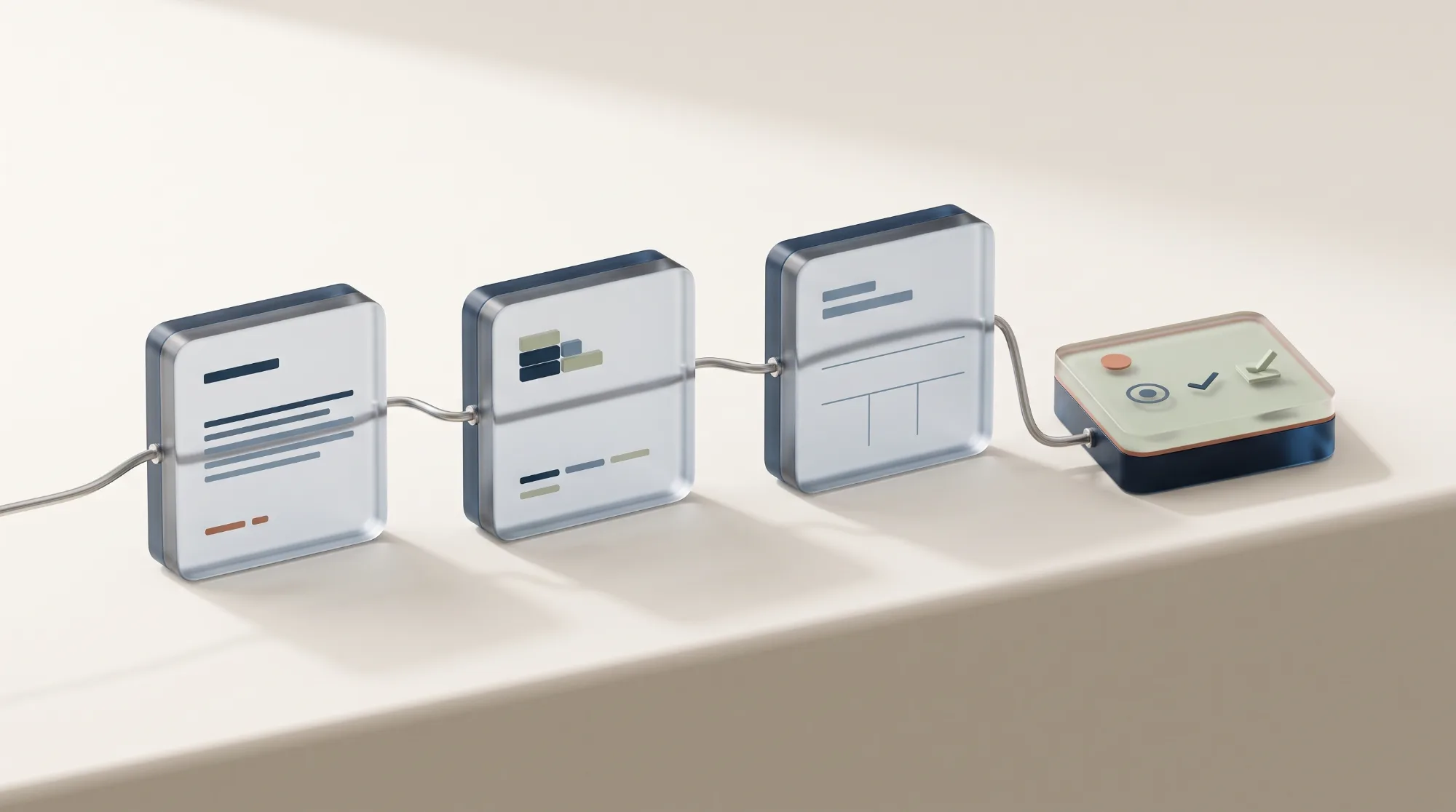
As Product Owner, I coordinated the development work between our team and the accessibility supplier.
My responsibilities included:
- Reviewing the accessibility checklist derived from the existing website.
- Making sure the required changes were implemented correctly.
- Coordinating development activities.
- Clarifying usability and interaction questions for the developer.
- Suggesting UX solutions where the existing interactions created usability problems.
- Performing User Acceptance Testing.
- Reviewing fixes and confirming the work to the accessibility supplier.
- Coordinating the transition from the full version to the reduced version.
I was not responsible for the direct relationship with the institutional client. The accessibility supplier handled the final verification and delivery to the client.
Deliverables: Two Accessible Course Versions
Full version
- Four learning modules.
- Theoretical content.
- Practical activities.
- Accessible interaction patterns.
- Accessibility fixes based on the implementation checklist.
- UAT-tested version.
- Final supplier verification.
Reduced version
- Three modules derived from the full version.
- Selected content removed for a different audience.
- No practical tests.
- Accessibility and usability adjustments adapted from the full version.
UX Goals: Making Accessibility Part of the Learning Experience
- {{ goal.num }} {{ goal.text }}
Process: Iterating from the Full Course to the Reduced Version
Reviewing the existing product
We started from an existing course rather than designing a new learning experience from scratch.
The first task was to understand how the theoretical and practical parts worked together, identify the existing interaction patterns, and map the changes required to make the experience accessible.
Turning requirements into implementation tasks
The accessibility checklist provided the starting point for development.
I monitored the implementation of the required changes and helped resolve questions that emerged during development. When accessibility requirements created usability or interaction challenges, I suggested UX solutions that respected both the standard and the learning objectives.
Reviewing progress every two weeks
The team worked through regular biweekly reviews.
These sessions allowed us to check implementation progress, identify unresolved issues, clarify requirements, and keep the development aligned with the intended experience.
Running UAT on the full version
Once the full version was implemented, I performed User Acceptance Testing.
My role was not to replace the specialist accessibility audit. I carried out a functional and usability review, investigated issues, answered developer questions, and confirmed whether the expected behaviour had been implemented.
The accessibility supplier then performed its own verification before handing the work over to the client.
Adapting the experience for a second audience
After the full version was confirmed, we created the reduced version.
This version was based on the full course, with selected pages removed and no practical tests. Reusing the established structure and accessibility solutions allowed us to adapt the experience for a different audience without restarting the work from scratch.
The Solution: Accessibility Without Losing the Learning Logic
Theory and practice remain connected
The course was not reduced to a collection of accessible pages.
Its learning logic depended on the relationship between theoretical content and practical confirmation. The redesign therefore preserved the distinction between studying a module and demonstrating that its content had been understood.
Interactions were refined, not just technically corrected
Some existing interactions needed more than a technical accessibility fix.
I suggested UX solutions to address unclear behaviours, usability issues, and problems with interactivity. The goal was to make the course easier to understand and operate while remaining faithful to the original learning objectives.
One foundation, two versions
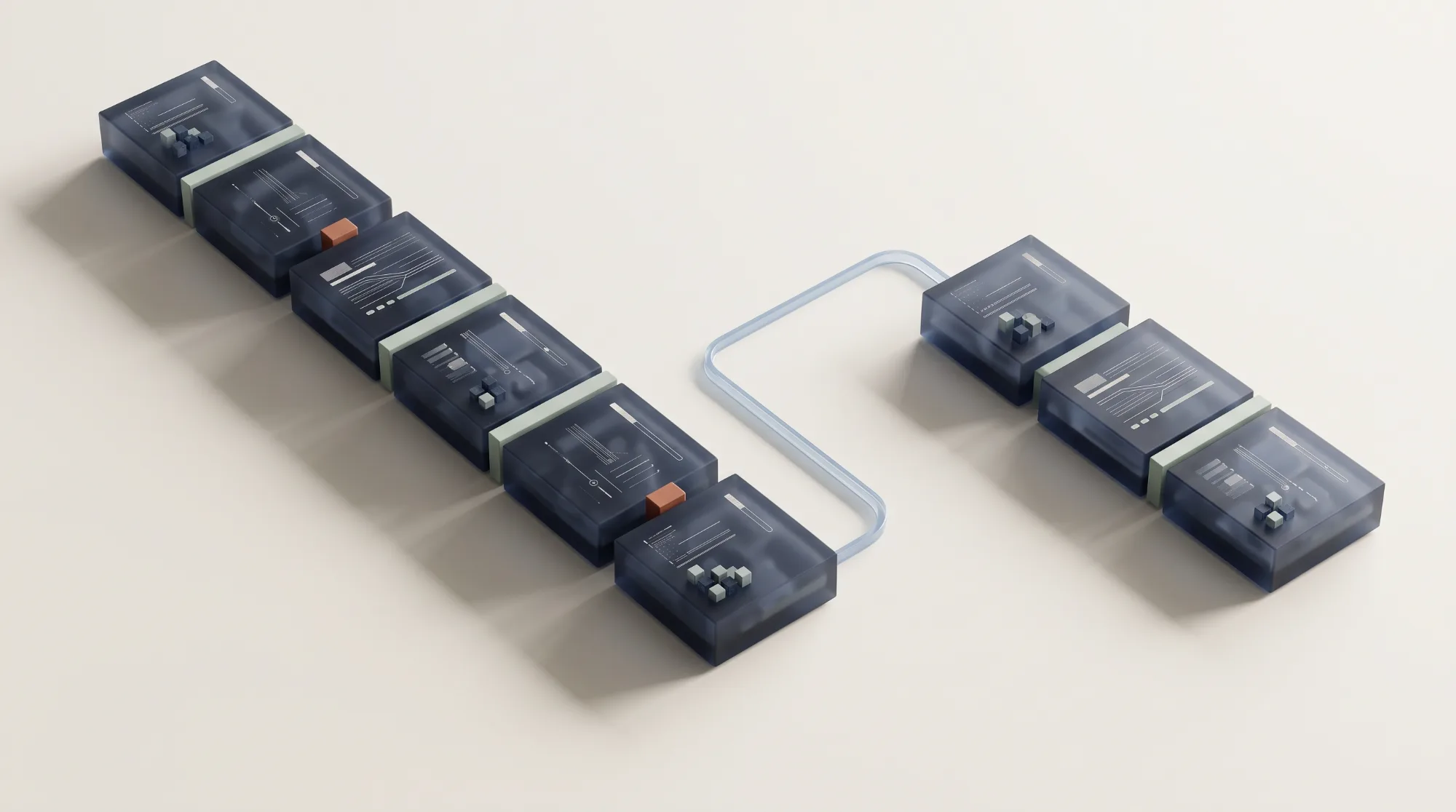
The full version acted as the foundation for the reduced version.
Once the first course had been reviewed and confirmed, the second version could be created by removing the relevant content and adapting the experience for its new audience. This reduced duplication and created a more consistent accessibility approach across both versions.
The Impact: Two Accessible Courses Now Used Internally
The final versions are currently used internally.
The project delivered
- A full accessible version of the existing training course.
- A reduced version for a different audience.
- Improved interactions and usability.
- A development process aligned with WCAG 2.1 Level AA requirements.
- A completed UAT and supplier-verification workflow.
- A more reliable foundation for future accessible learning content.
Specialist accessibility testing, including testing with people with visual disabilities, was performed by the commissioning organisation using its own tools and resources. My contribution focused on coordinating implementation, conducting UAT, resolving development questions, and ensuring that the agreed accessibility requirements were correctly reflected in the product.
The result was not simply an accessible course. It was an existing learning experience adapted to remain understandable, usable, and educationally effective.
What This Taught Me: Accessibility Is a Product Responsibility
This project showed me that accessibility is not something a specialist supplier can simply “add” at the end of development.
It has to be translated into product decisions, implementation details, interaction behaviour, acceptance criteria, and everyday communication between designers, developers, product owners, and accessibility experts.
As Product Owner, I learned that one of the most valuable contributions is often making sure that requirements do not remain abstract. They need to become clear tasks, testable behaviours, and decisions that the whole team can act on.
Accessible design is successful when the standard disappears into the experience and the learner can focus on what they came to learn.
Need accessibility to actually land in the product?
Requirements are the easy part. Getting them into interactions, tickets and acceptance criteria is the work. Let’s talk.